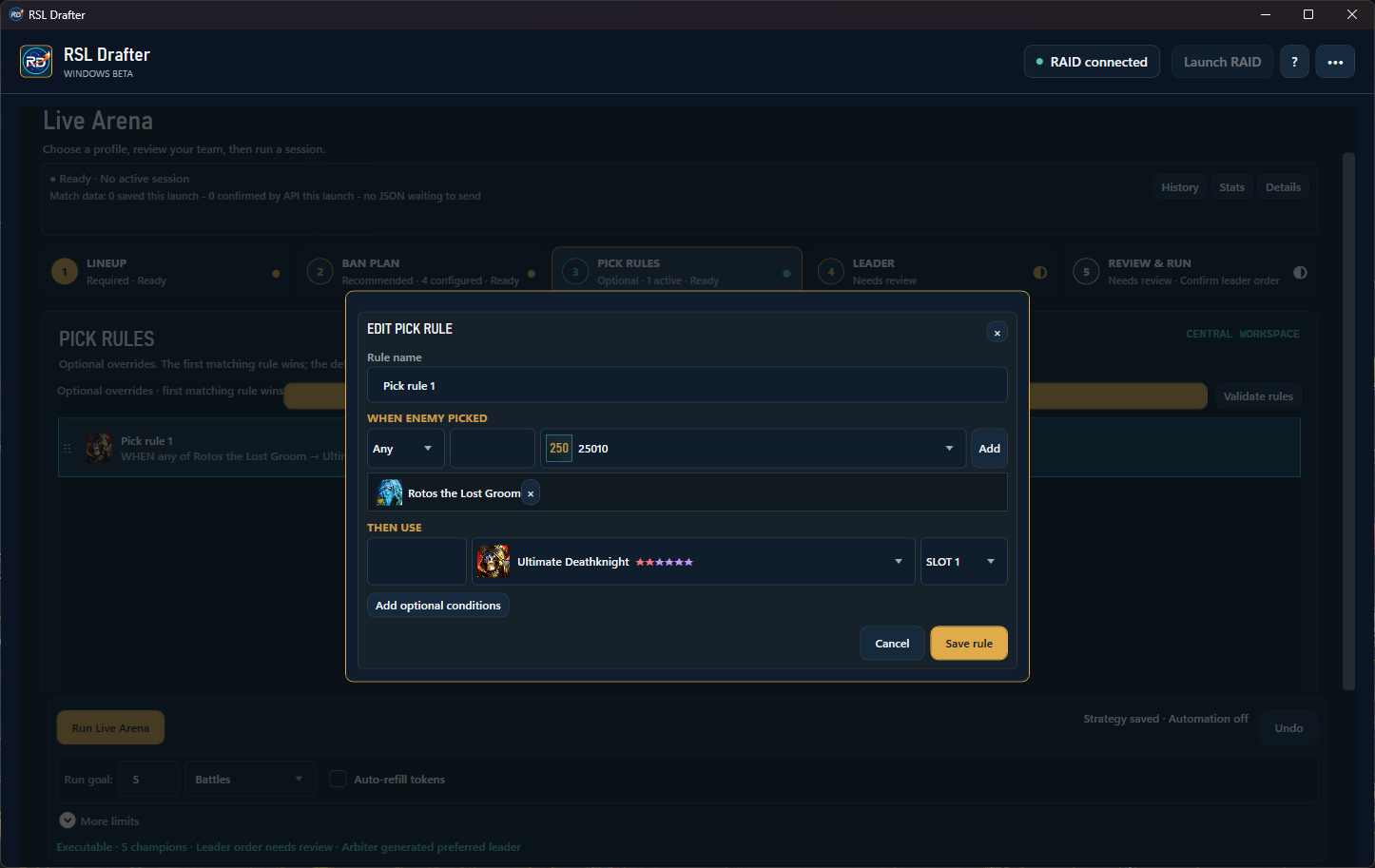
Pick Rules
Choose what answers a pick.
Select an opponent champion to watch, then choose the champion and slot to use in response. Optional conditions can narrow when the rule applies.
 RSL Drafter
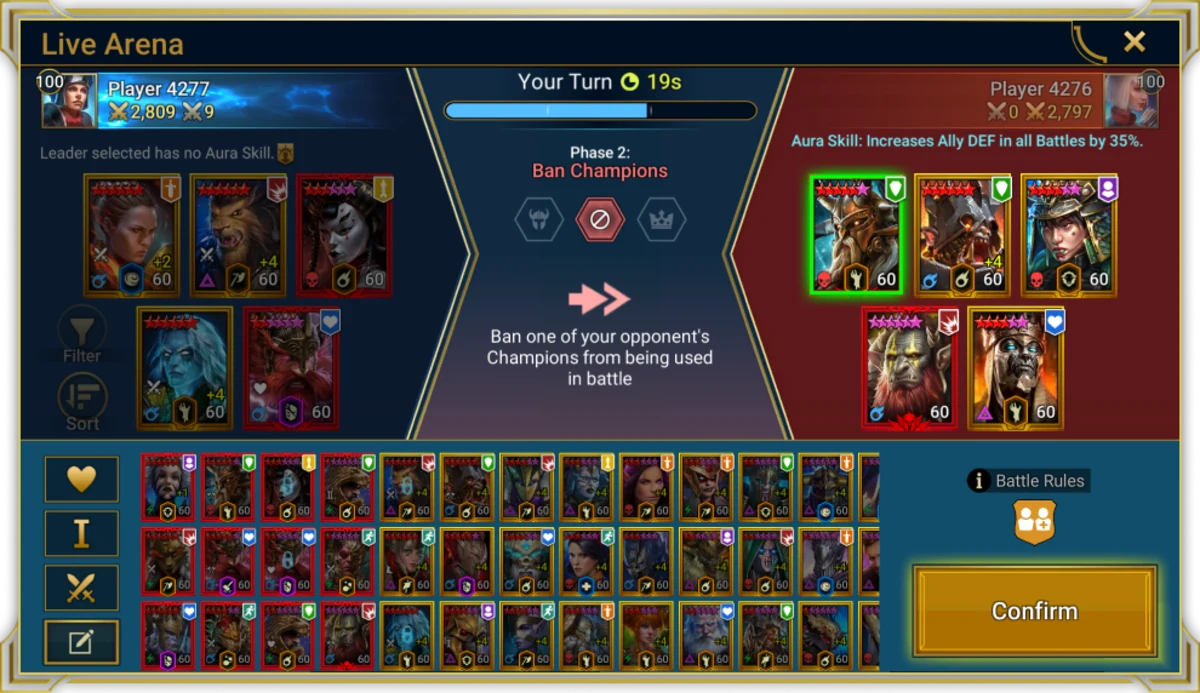
RAID: Shadow Legends Live Arena
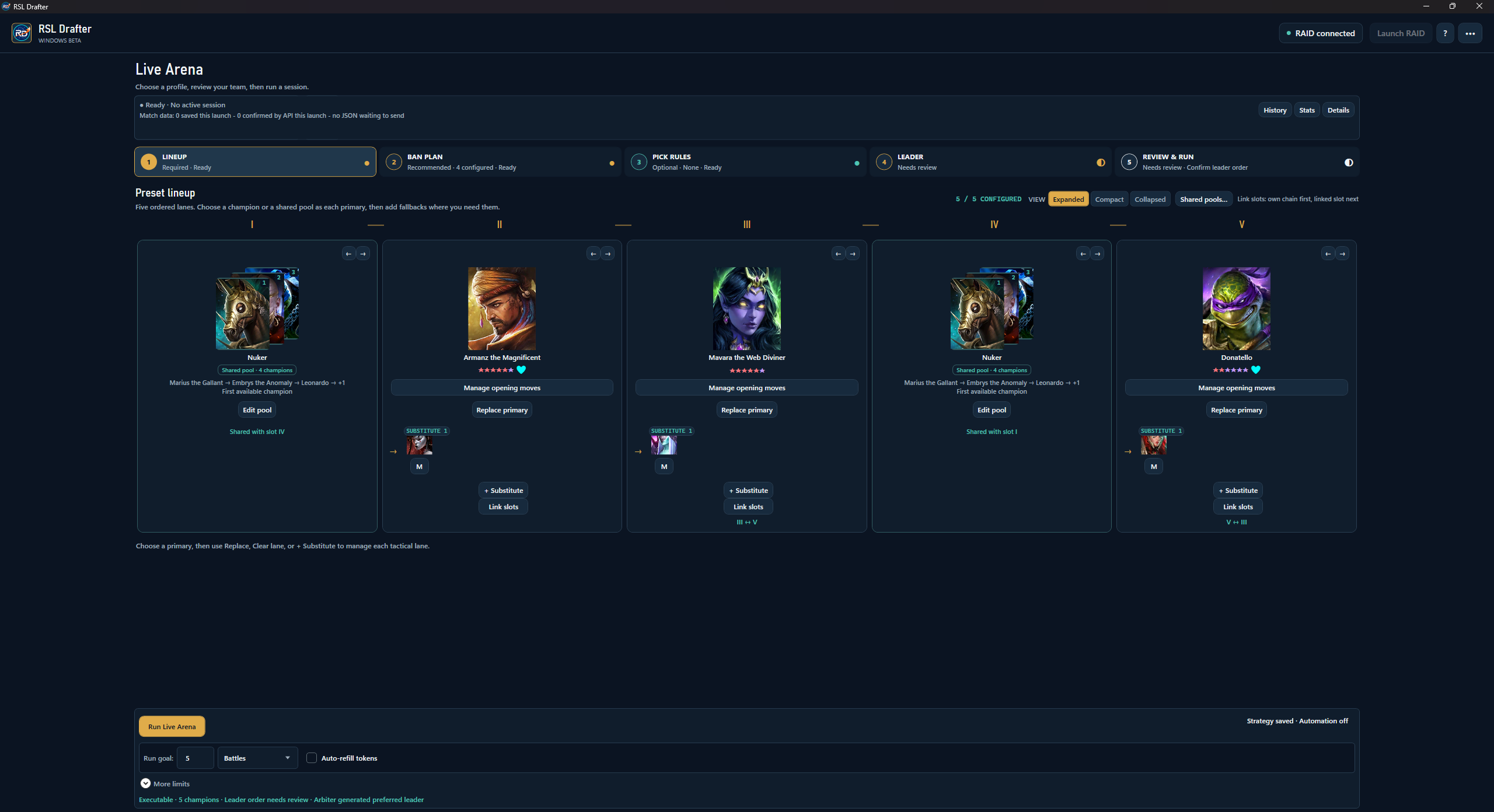
RSL Drafter is a Windows bot that runs the Preset Lineup you configure: five champion lanes, substitutes, bans and leader order.
Inside the beta
Choose a primary for each lane, rank substitutes, and decide what to ban and who should lead. The bot follows your Preset Lineup; it does not suggest a team.
Two draft decisions
Pick Rules cover your response to an opponent's champion. Leader Order keeps your first choice and alternatives together for review.
Pick Rules
Select an opponent champion to watch, then choose the champion and slot to use in response. Optional conditions can narrow when the rule applies.
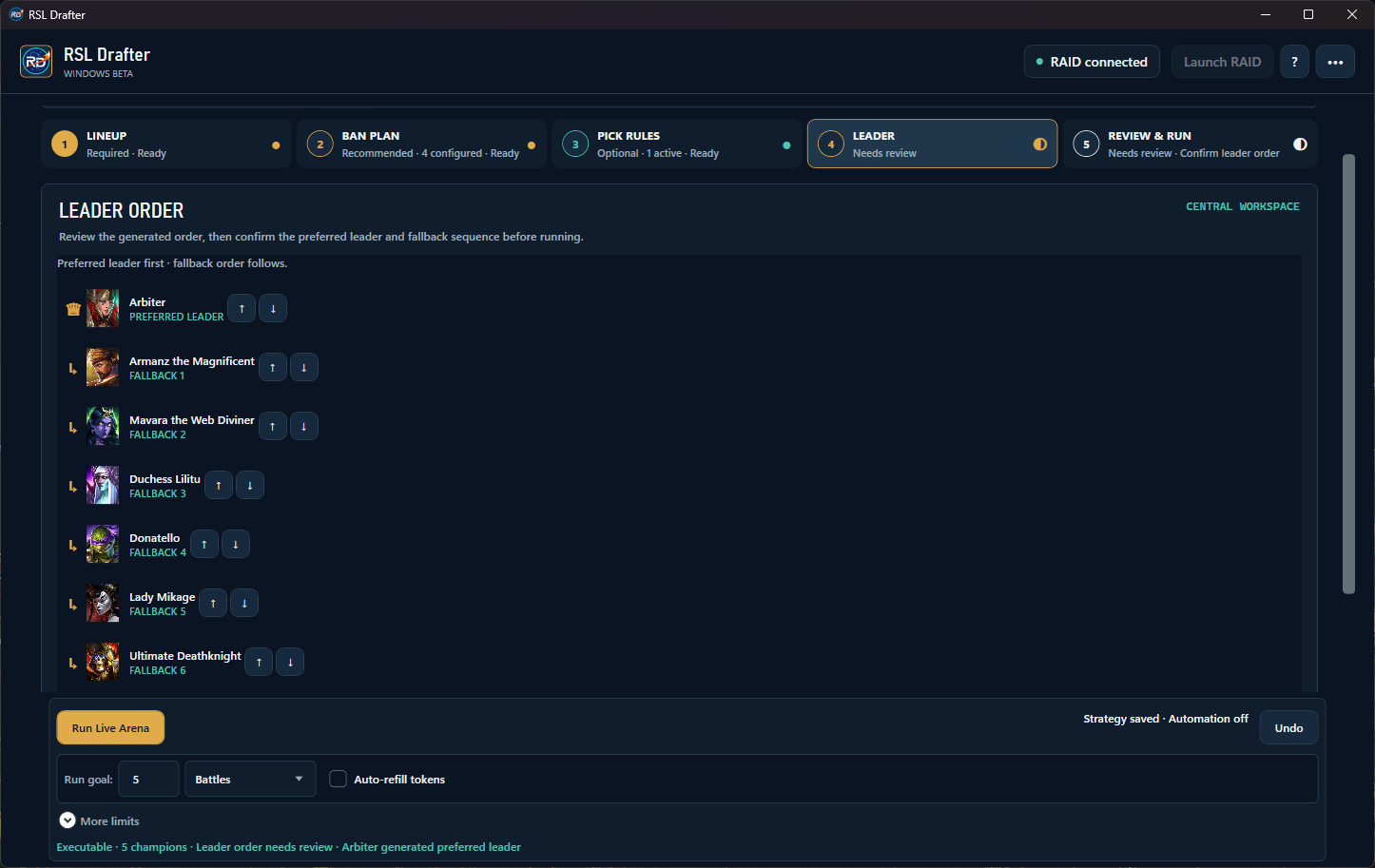
Leader Order
Choose a preferred leader, then arrange the fallback champions beneath it. The list keeps the order visible before you start a run.
RAID: Shadow Legends · Live Arena
Choose the champions and draft rules yourself. RSL Drafter follows the Preset Lineup you configure.
Set one primary for each lane, then rank substitutes and link fallback slots.
Tell the bot how to handle picks, bans, leader selection and supported Battle Openers.
Launch RAID, connect, review the setup and explicitly start Live Arena. The session stops at your limits or when the app cannot verify the game state.
Data and network use
Public build 0.1.3 offers two separate match-sharing options: anonymous sharing is checked by default in the in-app notice, but no match is collected until you save it; account-linked pseudonymous sharing requires a separate opt-in. You can turn sharing off in Settings > Privacy & telemetry. The detailed notice explains eligible matches, fields, exclusions and limits.
Read the detailed data noticePublic beta · access by review
Anyone can submit an application without an account. Verify your email first. A person reviews it, and approved applicants receive a single-use invitation to create an account. The public download is available now; an approved account is still required to use it.
Apply for beta access Read the setup guide
Setup, access & data
No. The distributed beta supports Preset Lineup for Live Arena only.
You choose the champions and rules. RSL Drafter applies that strategy during a bounded session; it does not recommend a meta team or promise a result.
The public Windows x64 beta is available on the latest GitHub release. It currently targets RAID build 11.75.0. You still need an approved account to sign in and use it.
Anonymous match sharing is checked by default, but no match is collected until you save the in-app notice. Account-linked pseudonymous sharing is off unless you explicitly opt in. Turn sharing off in Settings > Privacy & telemetry to stop future collection and uploads, cancel an active request and remove pending local match files. Already accepted server records are not deleted. Read the full data notice.
No. An application only collects the email and compatibility details needed for review. It does not create an account or send game data.
No. Submit an application without an account, then verify your email. A person reviews it; approved applicants get a single-use account invitation. Create the account from that invitation before signing in to the Windows app.
Choose Sign in, then use “Forgot password?” on the secure identity page. The reset link is sent to your verified email. RSL Drafter never collects your password.
No. RSL Drafter is an independent community tool and is not affiliated with or endorsed by Plarium.